 English
  Türkçe












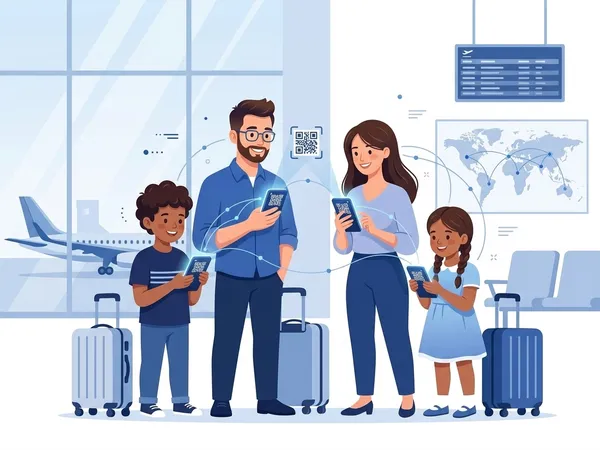
Traveling Family
Add balance and set up each eSIM before departure. At the destination, configure each Rivio eSIM line for mobile data and share one account balance instead of buying separate plans.
Family Profile
Add family members, share balance, and manage everyone's connectivity from one place. At home and on the road.

Features
Add family members or devices to your account. Everyone gets their own eSIM line.
Transfer balance from a single wallet. Family balance sharing happens instantly.
See who's using how much data. Monitor each member's usage in real time.
Assign an eSIM, share the QR code, and complete the setup steps on the member's device.
Get notified when data limits are approaching. Prevent unexpected charges.
Set limits on children's data usage. Ensure a safe and managed internet experience.
How It Works
Download Rivio eSIM, create your account and open a family profile.
Add balance to the main account, invite family members and configure sharing.
Assign an eSIM to each member, complete QR installation, and manage usage and alerts in one place.
Use Cases
Add balance and set up each eSIM before departure. At the destination, configure each Rivio eSIM line for mobile data and share one account balance instead of buying separate plans.
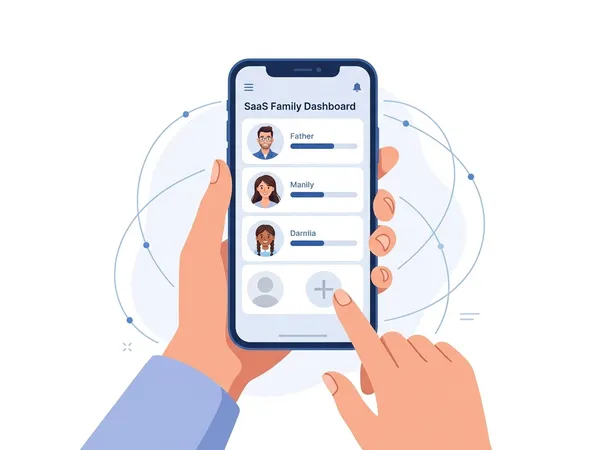
Control your children's data usage. Set limits, view usage reports. A safe and transparent internet experience.
FAQ
Manage everyone's internet access from one place with Rivio eSIM Family Profile.